WhatsApp Customer Support: Guide to Building a Help Desk That Scales in 2026
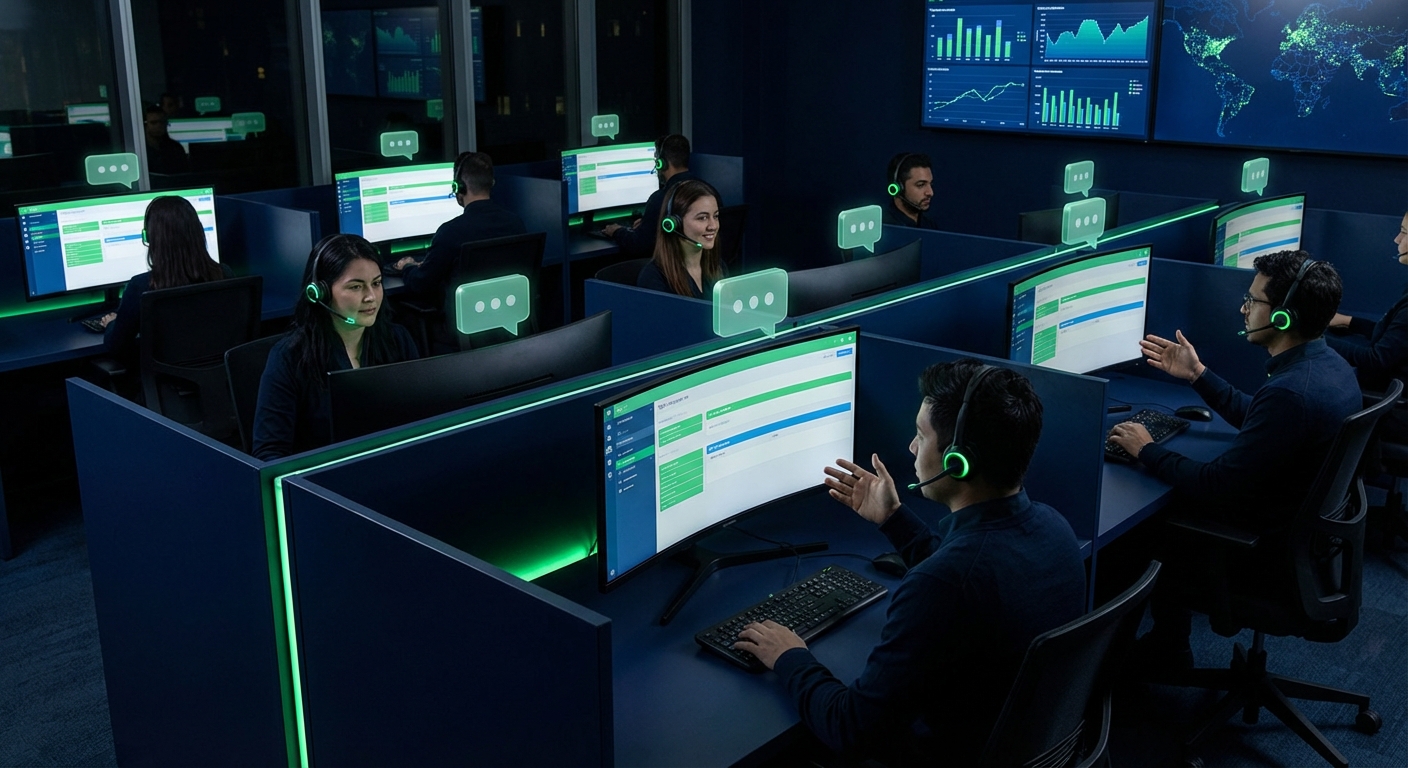
Customer support has fundamentally shifted. In 2026, 72% of consumers prefer messaging over phone calls for support, 68% will switch brands after a single poor support experience, and the average cost per WhatsApp resolution ($1-3) is 8x cheaper than phone support. The businesses winning on customer experience are the ones meeting customers on the channel they already live in — and with 3.2 billion active users, that channel is WhatsApp.
WhatsApp customer support is not just about answering messages faster. It is about building a structured help desk operation that combines AI-powered chatbots for instant FAQ resolution, intelligent routing to the right agent or team, SLA tracking to ensure response commitments are met, and CSAT measurement to continuously improve. The result: 40-60% reduction in support costs, 3x faster resolution times, and 35% higher customer satisfaction scores compared to email-only support.
This guide covers everything you need to build a WhatsApp customer support operation that scales: from ticketing and team assignment to chatbot configuration, escalation flows, SLA management, and CSAT tracking. Whether you are a growing business handling 50 conversations per day or an enterprise managing 10,000+, the principles and tools here will help you build support infrastructure that grows with your business.
Table of Contents
1. Why WhatsApp for Customer Support
The case for WhatsApp as your primary support channel is built on five pillars:
1.1 Instant Yet Asynchronous
Unlike phone support, WhatsApp conversations are asynchronous — the customer sends a message and can go about their day while waiting for a response. Unlike email, responses arrive instantly in their pocket with a notification. This combination of immediacy and flexibility is exactly what modern customers want. Agents can handle 5-8 WhatsApp conversations simultaneously, compared to 1 phone call at a time — dramatically increasing throughput.
1.2 Rich Media Support
Customers can send photos of defective products, screenshots of error messages, video demonstrations of issues, or their GPS location for on-site service requests. This rich context reduces back-and-forth and speeds up resolution. Agents can respond with instructional videos, annotated screenshots, PDF guides, or product images — all inline in the conversation.
1.3 Persistent Conversation History
Every WhatsApp conversation maintains a full, searchable history. When a customer contacts you again, your agent sees the entire previous interaction — no "can you explain the issue again?" friction. This is stored in your CRM and accessible to any agent who handles the conversation.
1.4 Global Reach, Zero Cost to Customer
WhatsApp is free for customers to use, works on any smartphone, and requires only a data connection — no international calling fees, no app downloads, no account creation. For businesses serving customers across multiple countries, WhatsApp eliminates every barrier to getting support.
1.5 The Numbers
| Metric | Phone | Live Chat | ||
|---|---|---|---|---|
| First Response Time | < 3 min | 4-24 hours | < 5 min (hold) | < 1 min |
| Resolution Time | 15-30 min | 24-48 hours | 8-15 min | 10-20 min |
| Agent Concurrency | 5-8 chats | Unlimited (async) | 1 call | 3-5 chats |
| CSAT Score | 85-92% | 60-70% | 70-80% | 75-85% |
| Cost per Resolution | $1-3 | $5-15 | $8-25 | $3-8 |
| Customer Preference (2026) | 72% | 12% | 10% | 6% |
Table 1: Customer support channel performance comparison — 2026

Figure 1: Customer support channel performance comparison
2. Setting Up a Ticketing System
Treating WhatsApp conversations as support tickets brings structure, accountability, and measurability to your support operation. Without a ticketing system, conversations get lost, response commitments are missed, and there is no way to measure performance.
2.1 Ticket Lifecycle
- Created — A new ticket is automatically created when a customer sends the first message (or sends a message after the previous ticket was closed).
- Assigned — The ticket is routed to the appropriate agent or team based on routing rules (see Section 3).
- In Progress — The agent is actively working on the issue.
- Pending — Waiting on the customer for a response or additional information.
- Resolved — The issue has been addressed. The customer receives a resolution message.
- Closed — The ticket is closed after resolution confirmation or timeout. A CSAT survey is sent.
2.2 Ticket Properties
Each ticket in ChatDaddy's shared inbox includes:
- Priority: Low / Medium / High / Urgent — determines SLA deadlines and escalation triggers.
- Labels/Tags: Categorize by issue type (billing, technical, shipping, product question, return, complaint).
- Assigned agent: The specific team member responsible for resolution.
- Assigned team: The department or queue the ticket belongs to (sales, support L1, support L2, technical).
- Customer context: Linked CRM profile with purchase history, previous conversations, and customer value score.
- Internal notes: Private agent-to-agent notes not visible to the customer.
- SLA timer: Countdown timer showing time remaining until SLA breach.
3. Team Assignment and Routing
Intelligent routing ensures every customer reaches the agent best equipped to help them — fast. Without routing rules, agents cherry-pick easy conversations while complex issues sit unanswered.
3.1 Routing Strategies
- Round-robin — Conversations are distributed equally across available agents. Simple and fair, but does not account for issue complexity or agent expertise.
- Skill-based routing — Route based on the issue type detected by the chatbot or selected by the customer. Technical issues go to technical agents, billing issues go to the billing team, etc.
- Load-balanced routing — Route to the agent with the fewest open tickets. Prevents one agent from being overwhelmed while others are idle.
- Language-based routing — Detect the customer's language from their message and route to an agent who speaks that language. Critical for businesses serving multilingual markets.
- VIP routing — High-value customers (identified by purchase history, customer segment, or CRM data) are routed to senior agents or a dedicated VIP support queue with shorter SLA targets.
- Time-based routing — Route to different teams based on business hours and time zones. After-hours conversations can be directed to chatbot-only mode or a different regional team.
3.2 Configuration in ChatDaddy
ChatDaddy's automation builder lets you configure routing rules visually. Create conditions based on message keywords, customer labels, conversation language, time of day, and agent availability. Rules are evaluated in order of priority, with fallback routing to ensure no conversation goes unassigned.

Figure 2: WhatsApp conversation routing flow — skill-based, language-based, and VIP routing
4. AI Chatbot for FAQ Automation
The economics of customer support change fundamentally when a chatbot handles the majority of routine queries. If your team receives 1,000 conversations per day and 70% are repetitive FAQs, automating those 700 conversations saves $700-2,100/day in agent labor costs alone — while delivering instant, 24/7 responses that customers actually prefer for simple questions.
4.1 What the Chatbot Handles
ChatDaddy's AI chatbot is trained on your business-specific knowledge base and connected to your backend systems:
- Order tracking — Customer asks "where is my order?" — the chatbot fetches real-time tracking data from your fulfillment system and shares the status with a tracking link.
- Return and exchange policy — Explains your return policy and initiates the return process with structured questions.
- Product information — Answers questions about product specifications, availability, sizing, compatibility, and pricing by querying your product catalog.
- Store hours and locations — Provides business hours, physical locations, and directions.
- Account and billing — Helps with password resets, subscription management, invoice requests, and payment status.
- Shipping and delivery — Explains shipping options, costs, delivery areas, and estimated timelines.
- Appointment booking — Schedules appointments or reservations with calendar integration.
4.2 LLM-Powered Natural Language Understanding
In 2026, ChatDaddy's chatbot uses large language model (LLM) technology to understand customer intent from natural language — not just keyword matching. This means the chatbot understands variations like "I want to send this back," "how do I return my purchase," and "this item doesn't fit, what are my options?" as the same intent. The chatbot maintains conversation context across multiple messages, asks clarifying questions when needed, and produces natural, helpful responses.
4.3 Seamless Human Handoff
When the chatbot detects a query it cannot handle — complex complaints, emotional customers, or edge cases — it automatically escalates to a human agent. The handoff is seamless: the agent receives the full conversation history, the chatbot's analysis of the customer's intent, and any relevant customer data from the CRM. The customer experiences a smooth transition with no repetition.

Figure 3: AI chatbot FAQ automation with seamless human agent handoff
5. SLA Management
Without SLA management, there is no accountability for response times, and customer experience becomes unpredictable. SLAs set clear expectations for your team and provide measurable targets for performance management.
5.1 Recommended SLA Targets
| Priority | First Response | Resolution Target | Escalation After |
|---|---|---|---|
| Urgent | < 5 minutes | < 1 hour | 10 minutes |
| High | < 15 minutes | < 4 hours | 30 minutes |
| Medium | < 1 hour | < 8 hours | 2 hours |
| Low | < 4 hours | < 24 hours | 8 hours |
Table 2: Recommended SLA targets by ticket priority
5.2 SLA Automation in ChatDaddy
- Automatic priority assignment — Based on keywords, customer segment, or chatbot analysis, tickets are automatically assigned a priority level.
- Countdown timers — Every ticket displays a live SLA timer showing time remaining until first response and resolution deadlines.
- Breach warnings — Automated alerts fire at 75% of SLA elapsed time, warning the assigned agent and team lead.
- Auto-escalation — If the SLA deadline passes without response, the ticket is automatically escalated to a supervisor or backup team.
- SLA reporting — Dashboard reporting shows SLA compliance rates by agent, team, priority, and time period — enabling data-driven staffing and process improvements.
6. Multi-Agent Shared Inbox
The WhatsApp Business App supports only 4 linked devices — entirely insufficient for any team-based support operation. The WhatsApp Business API, accessed through a platform like ChatDaddy, enables your entire team (up to 15 agents) to work from a single WhatsApp number through a shared team inbox.
6.1 Essential Inbox Features
- Conversation assignment — Assign conversations to specific agents manually or via automated routing rules.
- Internal notes — Agents leave private notes on conversations, visible to other agents but not to the customer. Essential for handoffs between shifts.
- Labels and tags — Categorize conversations by issue type, product, department, or custom criteria. Labels feed into reporting and automation.
- Canned responses — Pre-written reply templates for common questions. Agents insert them with a keyboard shortcut, then personalize before sending. Reduces typing time by 60-70%.
- Collision detection — Alerts agents when another team member is viewing or replying to the same conversation, preventing duplicate responses.
- Contact sidebar — Every conversation shows the customer's CRM profile: name, email, phone, purchase history, previous tickets, tags, and custom fields.
- Quick actions — One-click buttons for common operations: assign to team, change priority, add label, close ticket, send CSAT survey.
6.2 Collaboration Features
Support teams rarely work in isolation. ChatDaddy's inbox supports team collaboration:
- @mentions — Tag another agent in an internal note to bring them into the conversation.
- Transfer — Seamlessly transfer a conversation to another agent or team with full context preservation.
- Supervisor view — Team leads see all active conversations across all agents, with SLA status and queue depth.
- Whisper mode — Supervisors can send guidance to agents in real time via internal notes, visible only to the agent.
7. CSAT Tracking and Quality Assurance
Measuring customer satisfaction is essential for continuous improvement. The advantage of CSAT surveys on WhatsApp is the dramatically higher response rate — customers find it easy to tap a quick-reply button in a channel they are already using, compared to opening a separate survey link from an email.
7.1 CSAT Survey Setup
Configure your CSAT survey in ChatDaddy's automation builder:
- Trigger: Ticket status changes to "Resolved"
- Delay: 5-15 minutes after resolution (gives the customer time to verify the issue is fixed)
- Message: "How would you rate your support experience?" with quick-reply buttons for star ratings (1-5)
- Follow-up: If rating is 1-3 stars, send: "We're sorry to hear that. Could you tell us how we can improve?" to capture qualitative feedback
- Logging: Ratings are stored against the ticket and agent for reporting
7.2 Quality Assurance Metrics
| Metric | Target | Warning | Action Required |
|---|---|---|---|
| CSAT Score | 85-92% | < 80% | < 70% |
| First Response SLA Compliance | > 95% | < 90% | < 80% |
| Resolution SLA Compliance | > 90% | < 85% | < 75% |
| First Contact Resolution Rate | > 70% | < 60% | < 50% |
| Chatbot Deflection Rate | 60-80% | < 50% | < 40% |
| Average Resolution Time | < 30 min | > 1 hour | > 4 hours |
| CSAT Survey Response Rate | > 40% | < 30% | < 20% |
Table 3: WhatsApp customer support quality assurance metrics and benchmarks
8. Escalation Flows
Escalation is the safety net that ensures every customer issue gets resolved, even when it exceeds the first-line agent's authority, knowledge, or access. A well-designed escalation flow has clear triggers and defined paths.
8.1 Escalation Triggers
- SLA breach — Automatic escalation when first response or resolution SLA deadlines pass without action.
- Customer request — The customer explicitly asks to speak with a manager or supervisor.
- Issue complexity — The agent identifies the issue as beyond their scope and manually triggers escalation.
- Negative sentiment — ChatDaddy's chatbot detects angry or frustrated language and automatically flags the conversation for priority handling.
- VIP customer — Conversations from high-value customers that are not resolved within a tighter SLA window are automatically escalated.
- Repeat contact — The customer contacts support about the same issue for the second or third time, indicating the original resolution was insufficient.
8.2 Escalation Paths
- L1 to L2: General support agents escalate to specialized teams (technical, billing, logistics).
- L2 to L3: Specialized agents escalate to engineers, product managers, or department heads for systemic issues.
- To management: Complaints, PR risks, or legal concerns escalate directly to management with a summary brief.
- Cross-department: Issues requiring input from multiple departments (e.g., a refund needing both billing approval and logistics coordination) are routed to a cross-functional queue.
All escalation paths are configurable in ChatDaddy's automation builder with automatic context transfer — the escalation recipient receives the full conversation history, customer profile, and a summary of what has been attempted so far.

Figure 4: WhatsApp customer support escalation flow — L1, L2, L3, and management paths
Build Your WhatsApp Help Desk With ChatDaddy
ChatDaddy provides everything you need for scalable WhatsApp support: AI chatbot, shared team inbox, routing, SLA management, CSAT tracking, and more — trusted by 23,500+ businesses.
Start Your Free TrialFrequently Asked Questions
How do I set up WhatsApp customer support for my business?
Set up WhatsApp customer support by getting WhatsApp Business API access through a provider like ChatDaddy, configuring a shared team inbox for your support agents, building an AI chatbot to handle FAQs, setting up routing rules to assign conversations to the right team, and defining SLA targets with automated escalation. ChatDaddy provides all these features in a single platform with setup taking under an hour.
Can multiple agents use the same WhatsApp number?
Yes — through the WhatsApp Business API. The standard WhatsApp Business App only supports 4 linked devices, which is insufficient for team-based support. The Business API, accessed through a platform like ChatDaddy's shared team inbox, allows your entire team (up to 15 agents) to manage conversations from a single WhatsApp number with features like conversation assignment, collision detection, and internal notes.
What percentage of support queries can a chatbot handle?
A well-configured AI chatbot typically handles 60-80% of customer support queries without human intervention. The exact percentage depends on your industry, the complexity of your products, and the quality of your chatbot's knowledge base. Common automated queries include order tracking, return policies, product information, store hours, and account questions. Complex issues, complaints, and edge cases are escalated to human agents.
How do I measure WhatsApp support performance?
Key metrics for WhatsApp support performance include: CSAT score (target 85-92%), first response time SLA compliance (target 95%+), resolution time SLA compliance (target 90%+), first contact resolution rate (target 70%+), chatbot deflection rate (target 60-80%), and average resolution time (target under 30 minutes). Track these metrics in ChatDaddy's analytics dashboard at the agent, team, and overall operation level.
How much does WhatsApp customer support cost compared to phone support?
WhatsApp customer support costs $1-3 per resolution on average, compared to $8-25 for phone support and $5-15 for email support. The cost savings come from higher agent concurrency (5-8 conversations vs 1 phone call), chatbot automation of routine queries (60-80% deflection), and lower infrastructure costs (no phone system required). Platform costs with ChatDaddy start from $49/month plus WhatsApp per-message fees.
What is a good first response time for WhatsApp customer support?
For WhatsApp customer support, the industry standard for first response time is under 3 minutes during business hours. With AI chatbots handling the initial greeting and FAQ resolution, you can achieve sub-30-second first response 24/7. Set SLA targets of 3 minutes for first response and 30 minutes for full resolution as your baseline, then tighten them as your operation matures.
How do I handle after-hours WhatsApp support?
For after-hours support, configure an AI chatbot to handle the first response, acknowledge the customer, collect issue details, and set a callback expectation. Use ChatDaddy's automated away message with expected response times. For urgent issues, set up escalation flows that alert on-call team members via notifications. This combination ensures customers never feel ignored, even outside business hours.
Is WhatsApp support GDPR compliant?
WhatsApp customer support can be made GDPR compliant through proper data handling practices. Ensure you have a lawful basis for processing customer data (typically contractual necessity for support), include WhatsApp data in your privacy policy, configure data retention periods, and use a platform like ChatDaddy that provides data processing agreements. Meta's Business Messaging Terms also apply and should be reviewed.
