WhatsApp Automation: The Complete Guide for 2026
WhatsApp is no longer just a messaging app — it is the world's largest business communication channel with over 3 billion users and a 98% message open rate. For companies still relying on email campaigns that barely crack 20% open rates, that gap represents a massive revenue opportunity.
WhatsApp automation is the practice of using software tools, chatbots, or the WhatsApp Business API to automatically send, receive, and manage messages at scale — without manual effort. From instant welcome messages to AI-powered customer support and abandoned cart recovery, automation turns WhatsApp into a 24/7 sales and support engine.
In this guide, you will learn exactly how WhatsApp automation works, the features that matter most, how to set it up step by step, and which strategies leading brands use to drive 28% lead conversion rates and 45-60% click-through rates.
Table of Contents
- What Is WhatsApp Automation and How Does It Work?
- Why WhatsApp Automation Matters: Key Benefits and ROI
- Top WhatsApp Automation Features You Should Be Using
- How to Set Up WhatsApp Automation: Step-by-Step
- Use Cases That Drive Real Results
- Best Practices and Compliance
- Choosing the Right Platform
- Frequently Asked Questions
- Conclusion
1. What Is WhatsApp Automation and How Does It Work?
At its core, WhatsApp automation connects your business to the WhatsApp Business Platform through the official API. When a customer sends a message, clicks a button, abandons a cart, or triggers any event in your system, the automation engine responds instantly with the right message, routes the conversation to the right team member, or kicks off a multi-step workflow.
There are two levels of WhatsApp automation:
Basic Automation (WhatsApp Business App)
The free WhatsApp Business App provides simple automation features suitable for solo entrepreneurs and micro-businesses:
- Greeting messages — Automatically welcome first-time customers
- Away messages — Respond when you are outside business hours
- Quick replies — Save and reuse frequent responses with shortcuts
- Labels — Organize conversations by status or category
Advanced Automation (WhatsApp Business API)
The WhatsApp Business API, accessed through a certified ISV Partner (ISV partner) like ChatDaddy, unlocks the full power of automation:
- AI-powered chatbots that handle complex conversations, qualify leads, and provide product recommendations
- Broadcast campaigns to thousands of opted-in contacts with personalized template messages
- Drip sequences triggered by customer actions, purchases, or time delays
- WhatsApp Flows — interactive forms, surveys, and appointment booking built directly inside the chat
- Multi-agent shared inboxes with intelligent routing and assignment
- CRM integrations that sync customer data across your entire tech stack
According to Infobip's research, businesses using WhatsApp API automation report 30-60% reduction in support costs and 70% improvement in cart recovery rates.
2. Why WhatsApp Automation Matters: Key Benefits and ROI
1. Superior Engagement Rates
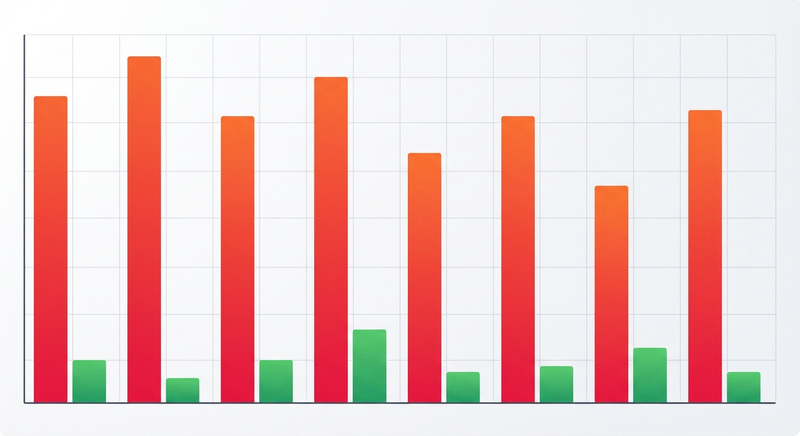
WhatsApp messages achieve a 98% open rate versus email's roughly 20%. Click-through rates of 45-60% dwarf the 2-5% typical of email campaigns. When your messages actually get read, every campaign works harder.
2. Faster Response Times
Customers expect instant answers. According to Wapikit's 2025 business statistics, 66% of consumers who start a WhatsApp conversation with a business go on to complete a purchase. Automated responses ensure no lead waits — even at 3 AM.
3. Dramatic Cost Savings
WhatsApp-driven automation is projected to unlock $11 billion in annual savings across retail and banking by 2026. Chatbots handle repetitive queries (order status, FAQs, store hours) so your team focuses on high-value conversations. Companies using ChatDaddy's AI chatbots have seen up to a 90% reduction in repetitive support tickets.
4. Higher Conversions Across the Funnel
WhatsApp chatbots generate up to 5X more leads than traditional marketing channels. Early testers of WhatsApp's Business Calling API reported conversion rates jumping from 2% to 45% when they added voice calling to the communication mix.
5. Scalability Without Headcount
A single ChatDaddy workspace processes millions of messages monthly. With automation handling first-touch interactions, qualification, and routine support, you scale revenue without proportionally scaling your team.
The bottom line: businesses handling 200+ daily conversations on WhatsApp API typically achieve positive ROI within months of implementation.
3. Top WhatsApp Automation Features You Should Be Using
AI Chatbots
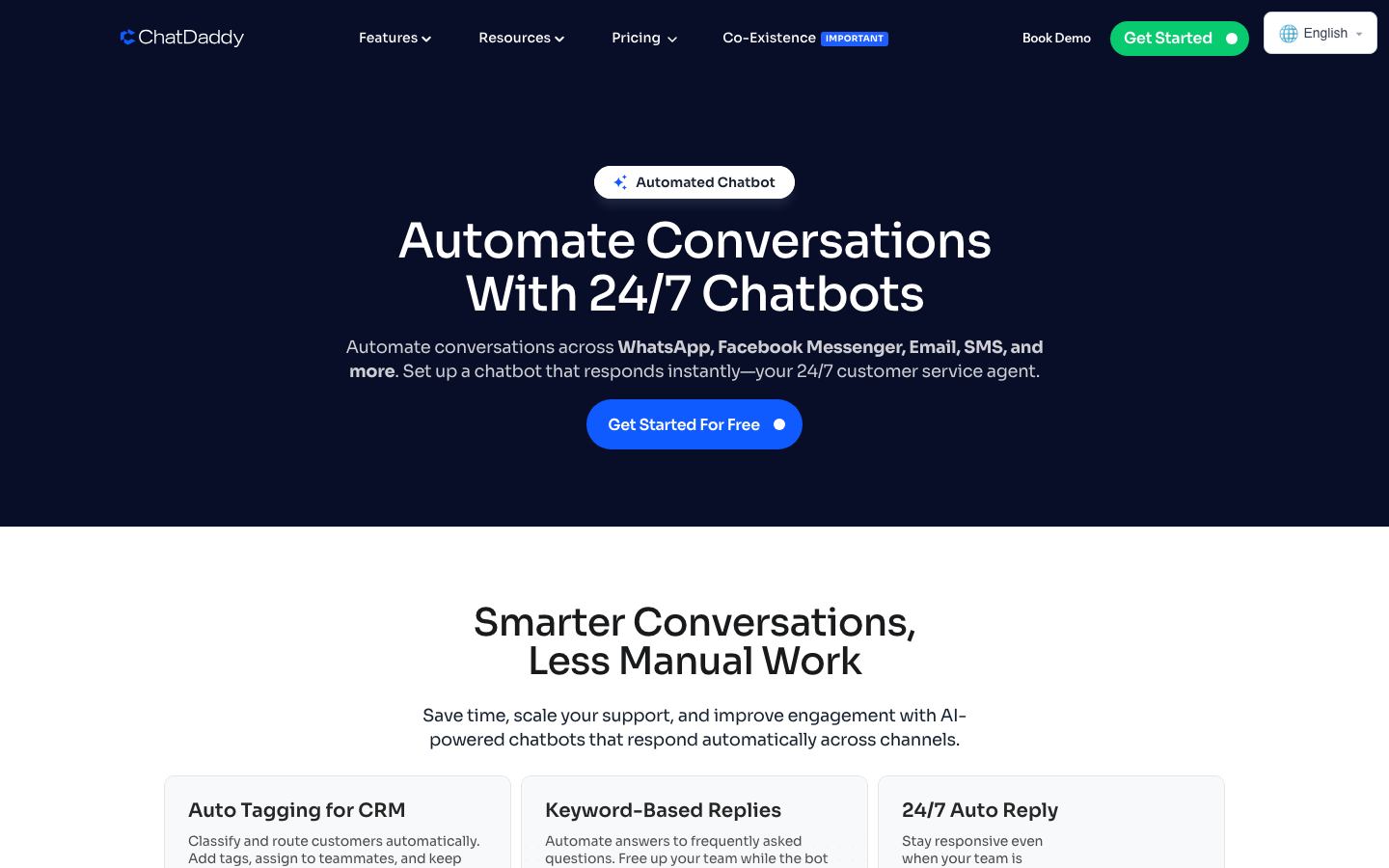
Modern WhatsApp chatbots go far beyond scripted decision trees. Powered by generative AI, they deliver natural, context-aware conversations that can answer product questions, qualify leads, recommend products, book appointments, and process returns.
ChatDaddy's AI Chatbot Builder lets you create these intelligent assistants without writing a single line of code. Simply upload your product catalog, FAQs, and policies — the AI handles the rest.
2026 Update: Meta now requires that all AI chatbots on WhatsApp perform "concrete business tasks" — answering support questions, providing purchase advice, or booking appointments. Open-ended AI chats without a clear business goal are no longer permitted.
Broadcast Campaigns
WhatsApp broadcast lets you send personalized messages to thousands of opted-in contacts simultaneously. Unlike group chats, each recipient receives the message as a private conversation, making it feel personal.
With ChatDaddy's Broadcast feature, you can segment audiences by tags, schedule campaigns for optimal delivery times, A/B test message templates, and track delivery and response rates in real time.
WhatsApp Flows
WhatsApp Flows allow customers to complete multi-step interactions — booking appointments, filling out lead forms, selecting product options, completing surveys — entirely inside the chat. No redirects to external websites. This frictionless experience drives significantly higher completion rates.
Shared Team Inbox
When conversations need a human touch, automation should route them seamlessly to the right agent. ChatDaddy's Shared Inbox provides a unified view of all WhatsApp conversations, intelligent routing, internal notes, conversation assignment, and complete CRM context.
Business Calling API
Launched in July 2025, WhatsApp's Business Calling API enables businesses to initiate and receive voice calls directly within WhatsApp. Features include click-to-call buttons, IVR dial-pad support, and business hours controls. This bridges the gap between messaging automation and voice support.
4. How to Set Up WhatsApp Automation: Step-by-Step
Step 1: Choose Your Automation Platform
Select a Meta-certified ISV Partner that matches your needs.
| Feature | Why It Matters |
|---|---|
| Official Meta ISV Partner status | Ensures compliance and API access |
| No-code chatbot builder | Launch fast without developers |
| Broadcast and segmentation | Targeted campaigns at scale |
| CRM and e-commerce integrations | Unified customer data |
| Multi-agent inbox | Team collaboration |
| Transparent pricing | Predictable costs as you scale |
ChatDaddy checks every box as an official Meta ISV Partner trusted by 23,500+ businesses processing 10M+ daily messages.
Step 2: Verify Your Business with Meta
Submit your business details through Meta Business Manager. Provide your legal business name, address, and documentation. Verification typically takes 1-3 business days.
Step 3: Connect Your WhatsApp Number
Once verified, connect a phone number to the WhatsApp Business API through your ISV partner. You can use a new number or migrate an existing WhatsApp Business App number. ChatDaddy guides you through this process with step-by-step onboarding.
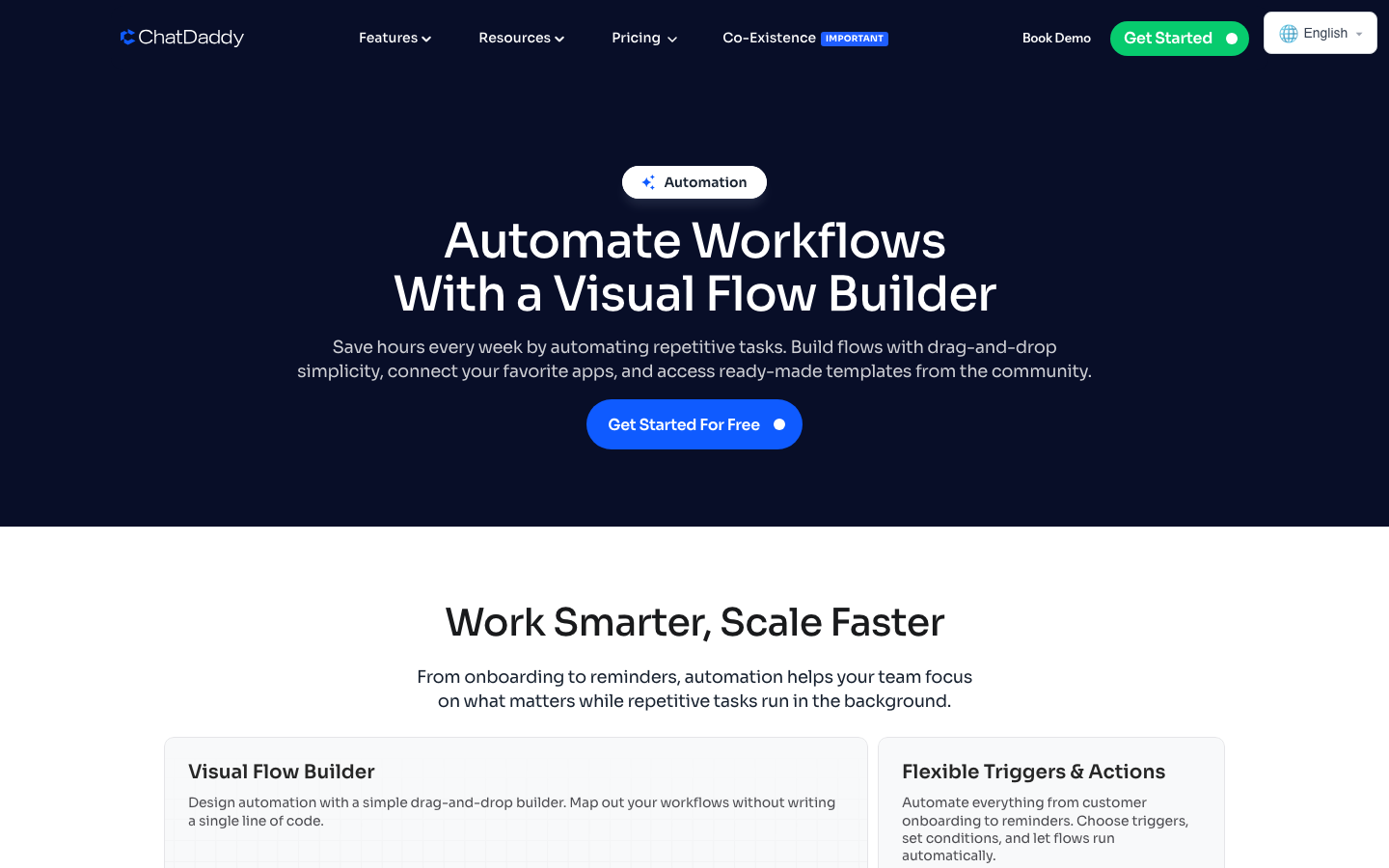
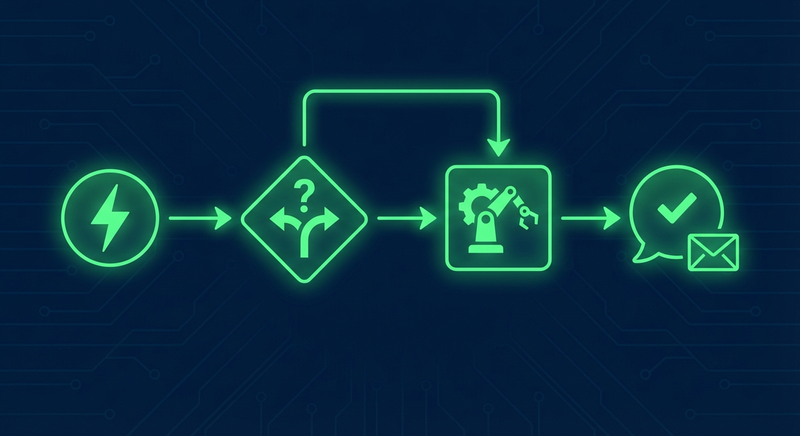
Step 4: Build Your Chatbot Flows
Start with high-impact automation flows:
- Welcome flow — Greet new contacts, introduce your brand, and capture preferences
- FAQ bot — Answer your top 20 most common questions automatically
- Lead qualification — Ask qualifying questions and route hot leads to sales
- Order status — Let customers check their order by entering an order number
- Appointment booking — Let customers pick a date and time directly in chat
Step 5: Create and Submit Message Templates
WhatsApp requires pre-approved templates for business-initiated messages. Write templates for order confirmations, appointment reminders, promotional offers, abandoned cart recovery, and re-engagement campaigns. Keep templates personalized with dynamic variables and include clear calls to action.
Step 6: Integrate with Your Tech Stack
Connect WhatsApp automation to your existing tools:
- Shopify / WooCommerce — Sync orders, trigger abandoned cart messages, send shipping updates
- HubSpot / Salesforce — Push leads and conversation data to your CRM
- Google Sheets — Log contacts and conversation data for reporting
- Calendly — Automate appointment booking and reminders
- Zapier / Make — Connect 5,000+ apps without code
Step 7: Launch, Monitor, and Optimize
Go live with a small segment first. Monitor these key metrics weekly: delivery rate, read rate, response rate, resolution rate, and conversion rate. Iterate on your chatbot scripts, template copy, and audience segments based on data.
5. WhatsApp Automation Use Cases That Drive Real Results
E-Commerce: Abandoned Cart Recovery
When a shopper adds items to their cart but does not complete the purchase, an automated WhatsApp message sent within 1-2 hours can recover the sale. Include the product image, a direct link to checkout, and optionally a time-limited discount. Businesses report up to 70% improvement in cart recovery rates with this approach.
Customer Support: 24/7 AI-Powered Assistance
Deploy an AI chatbot to handle common questions — shipping timelines, return policies, store locations, product specifications. The chatbot resolves straightforward queries instantly and hands off complex issues to a human agent with full conversation context. This reduces support costs by 30-60% while improving customer satisfaction.
Sales: Lead Qualification and Nurturing
Use chatbots to qualify inbound leads by asking questions about budget, company size, timeline, and specific needs. Score leads automatically and route high-intent prospects to your sales team. Follow up with drip sequences that nurture leads with relevant content, case studies, and offers.
Healthcare: Appointment Scheduling and Reminders
Patients book appointments through an interactive WhatsApp Flow, receive automated reminders 24 hours and 1 hour before their appointment, and get follow-up care instructions afterward. With the new Calling API, providers can even conduct telehealth consultations directly in WhatsApp.
Education: Enrollment and Student Engagement
Automate the entire enrollment funnel — from initial inquiry and program recommendations to document submission and fee payment reminders. Keep students engaged with course updates, assignment reminders, and exam schedules.
Hospitality: Booking Confirmations and Upsells
Send instant booking confirmations, pre-arrival information, check-in instructions, and post-stay feedback requests. Automate upsell messages for room upgrades, spa services, or restaurant reservations.
6. WhatsApp Automation Best Practices and Compliance
Consent and Compliance
WhatsApp enforces strict messaging policies, and non-compliance can result in account suspension:
- Explicit opt-in — Only message customers who have actively consented. A pre-checked box does not count.
- Approved templates — All business-initiated messages must use templates reviewed and approved by Meta.
- Easy opt-out — Include an unsubscribe option (e.g., "Reply STOP to unsubscribe") in every broadcast message.
- Data protection — Comply with GDPR, PDPA, or applicable local regulations.
Messaging Quality
Meta assigns a quality rating to your WhatsApp Business account based on user feedback. Low ratings limit your messaging capacity. Personalize messages, segment your audience, respect frequency (2-4 messages per week), honor quiet hours, and monitor block rates.
Human Handoff
Automation should enhance your team, not replace the human element entirely. Build clear escalation paths: let customers reach an agent at any time, automatically escalate when the chatbot cannot resolve a query, and provide agents with full conversation history from your CRM.
Template Message Strategy
Since Meta now charges per delivered template message, quality over quantity matters. Write concise, value-driven templates with clear CTAs. Use rich media — images, videos, and interactive buttons — to increase engagement. A/B test different template versions and retire underperformers. For a full breakdown of compliance rules, consent management, and advanced strategies, read our WhatsApp automation best practices guide.
7. Choosing the Right WhatsApp Automation Platform
Why Businesses Choose ChatDaddy
| Capability | Details |
|---|---|
| Scale | 23,500+ businesses, 10M+ messages processed daily |
| AI Chatbots | No-code builder with GPT-powered conversations |
| Broadcast | Unlimited contacts, advanced segmentation, scheduling |
| Shared Inbox | Multi-agent with smart routing and collaboration |
| Commerce | In-chat product catalogs, payments, and order management |
| Integrations | Shopify, HubSpot, Zapier, Make, Google Sheets, Calendly |
| Pricing | Free plan available. Paid plans from $119/mo to $799/mo |
Whether you are a small business sending your first automated greeting or an enterprise processing millions of messages, ChatDaddy scales with you. For a full platform comparison, see our best WhatsApp CRM guide.
Ready to Automate Your WhatsApp?
ChatDaddy lets you build automated flows, AI chatbots, and broadcast campaigns — no coding required. Trusted by 23,500+ businesses worldwide.
Start Your Free TrialRelated Articles
- WhatsApp Business Complete Guide: A-to-Z for 2026
- WhatsApp Sales Automation
- WhatsApp Chatbot: Build in 5 Minutes
- Best WhatsApp Broadcast Tool
- WhatsApp CRM: Complete Guide
- WhatsApp Customer Support Automation
8. Frequently Asked Questions
What is WhatsApp automation?
WhatsApp automation uses software tools or the WhatsApp Business API to automatically send, receive, and respond to messages based on triggers you define. It includes chatbots, scheduled broadcasts, drip campaigns, and workflow automations that handle customer interactions without manual effort — from welcome messages to order confirmations.
Is WhatsApp automation legal?
Yes, WhatsApp automation is legal when you use the official WhatsApp Business API through a certified ISV Partner like ChatDaddy. You must obtain explicit opt-in consent before messaging customers, use approved message templates, provide clear opt-out options, and comply with local data protection regulations such as GDPR or PDPA.
How much does WhatsApp automation cost?
Costs depend on your provider and message volume. ChatDaddy offers plans from free to $799 per month. Since July 2025, Meta charges per delivered template message rather than flat 24-hour conversation fees. Utility and authentication messages remain free for 72 hours after user-initiated conversations. Most businesses see positive ROI within months.
Can small businesses use WhatsApp automation?
Absolutely. The WhatsApp Business App offers basic automation like greeting messages, away messages, and quick replies at no cost. For more advanced features such as chatbots, bulk broadcasts, and CRM integrations, platforms like ChatDaddy provide affordable plans starting free, with AI chatbot available on Pro and Max plans, making automation accessible to businesses of every size.
What is the difference between WhatsApp Business App and WhatsApp Business API?
The WhatsApp Business App is a free mobile app for small businesses, limited to one device and basic auto-replies. The WhatsApp Business API supports up to 15 teammates depending on plan, advanced chatbots, bulk broadcasting, CRM integrations, and analytics. The API requires a ISV Partner like ChatDaddy but unlocks full automation and scalability for growing businesses.
9. Start Automating Your WhatsApp Today
WhatsApp automation is not a future trend — it is happening now. With 3 billion users, 98% open rates, and conversion rates that outperform every other messaging channel, the opportunity cost of not automating is simply too high.
Whether you want to deploy an AI chatbot that handles customer support around the clock, send broadcast campaigns that actually get read, or build frictionless commerce experiences inside WhatsApp — the tools exist today to make it happen without a single line of code.
Start your free trial with ChatDaddy and automate your WhatsApp business messaging today.